Creating a productive home office space can greatly improve your work-from-home experience. Whether you are new to remote work or looking to enhance your current setup, small changes can make a big difference in your focus and efficiency. In this post, we’ll explore practical tips for designing a home office that supports your productivity and wellbeing.
Choose the Right Location
Finding the ideal spot for your home office is crucial. Here’s what to consider:
– Quiet and Private: Select a space away from high-traffic areas to minimize distractions. If possible, pick a room with a door you can close during work hours.
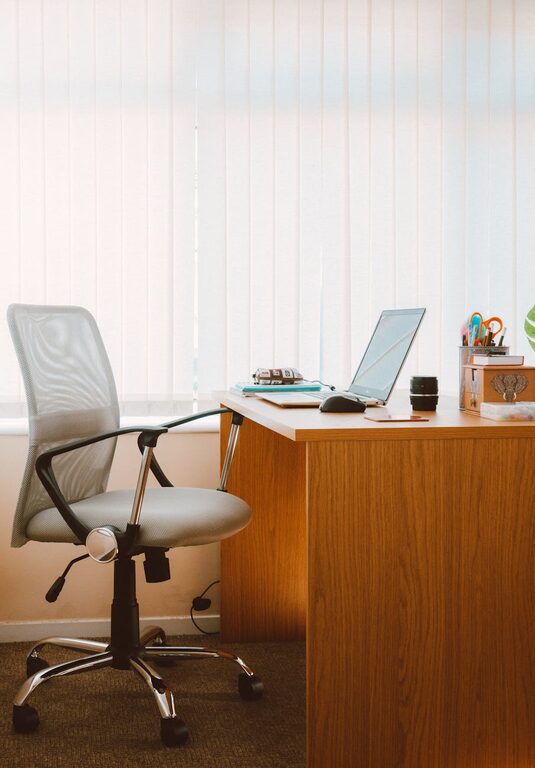
– Natural Light: Position your desk near a window to make the most of natural light. Exposure to daylight can help improve mood and energy.
– Space for Essentials: Ensure the area can accommodate your desk, chair, and any equipment you need comfortably.
Invest in Comfortable and Ergonomic Furniture
Comfort plays a key role in maintaining productivity throughout the day.
– Ergonomic Chair: Choose a chair that supports your lower back and encourages good posture.
– Adjustable Desk: A height-adjustable desk allows you to switch between sitting and standing positions, reducing fatigue.
– Sufficient Desk Space: Ensure your desk has enough room for your computer, notebooks, and other work materials without clutter.
Organize Your Workspace Efficiently
A tidy workspace helps keep your mind clear and focused.
– Declutter Regularly: Remove unnecessary items from your desk at the end of each day.
– Storage Solutions: Use shelves, drawers, or organizers to keep supplies and documents neatly stored.
– Cable Management: Use clips or cable organizers to keep cords untangled and out of the way.
Optimize Lighting and Screen Setup
Proper lighting and screen positioning reduce eye strain and improve concentration.
– Balanced Lighting: Combine natural light with adjustable artificial lighting to avoid glare and shadows.
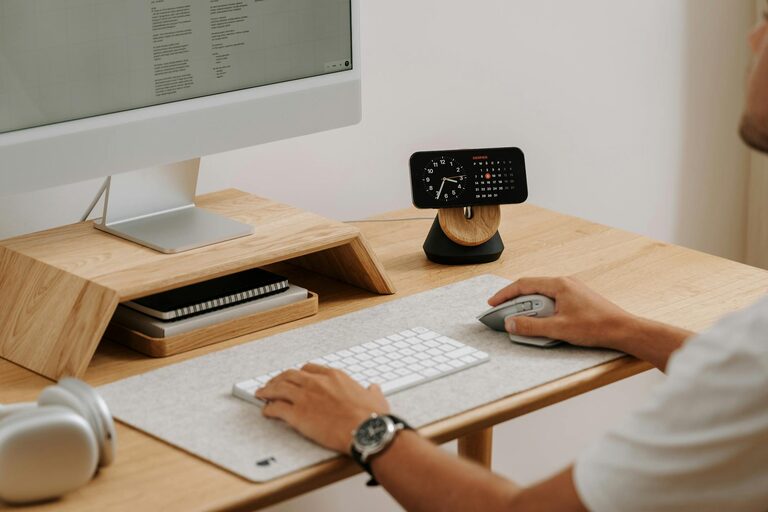
– Monitor Position: Place your computer screen at eye level and about an arm’s length away to maintain good posture.
– Anti-Glare Tools: Use screen protectors or blinds to reduce screen glare from windows.
Minimize Distractions
Staying focused requires controlling your environment as much as possible.
– Set Boundaries: Communicate your work hours to family or housemates.
– Noise Control: Use noise-canceling headphones or white noise machines if background noise is an issue.
– Limit Digital Interruptions: Turn off non-essential notifications during work sessions.
Personalize Your Space
Adding personal touches can make your home office a pleasant place to spend time.
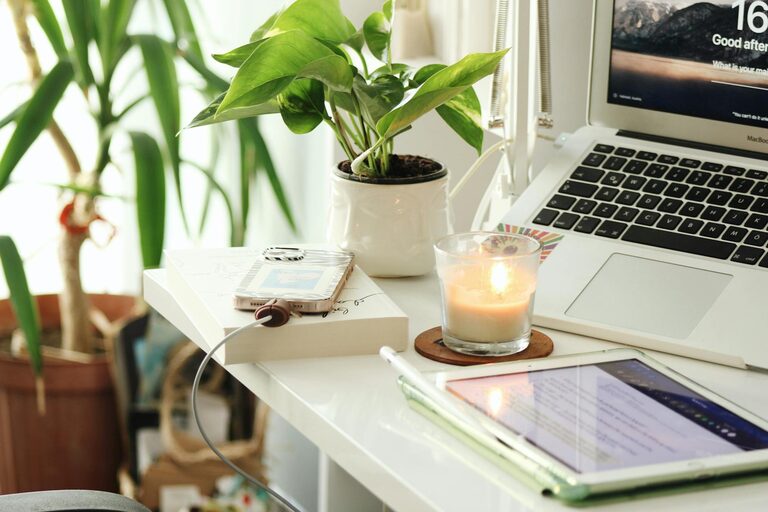
– Plants: Indoor plants add life and can improve air quality.
– Artwork or Photos: Decorate with items that inspire or relax you.
– Color Choices: Use colors that promote focus and calm, like blues, greens, or neutrals.
Plan Your Workflow and Breaks
An efficient home office is only part of productivity; how you structure your work matters too.
– Task Lists: Keep a to-do list visible to track your progress.
– Time Management: Use techniques like the Pomodoro method to balance focused work with breaks.
– Regular Breaks: Step away from your desk periodically to stretch and recharge.
Maintain Good Air Quality and Comfort
Your physical environment impacts how well you can focus.
– Ventilation: Keep the room well-ventilated to avoid stuffiness.
– Temperature Control: Set a comfortable temperature to avoid distraction from discomfort.
– Hydration: Keep water nearby to stay hydrated throughout the day.
—
By applying these tips, your home office can become a functional and inviting environment that supports your productivity and work-life balance. Remember, the perfect workspace might look different for everyone, so feel free to experiment and adjust until you find what works best for you.